How to prompt ChatGPT to get production-quality images
I learned to create production quality images on ChatGPT.

Whenever I open twitter or instagram, I see AI images that are hyper-realistic as if shot by a world-class photographer.
I assume it's easy and get overconfident thinking I can do the same.
I type a lazy prompt "You are a world class ad creative director. Can you create a ad for the attached product" and I get lazy results.
I try, retry and get frustrated wasting time repeatedly prompting and getting generic images, inconsistent results and not getting what I want!
I call this LILO: Lazy Input, Lazy Output.

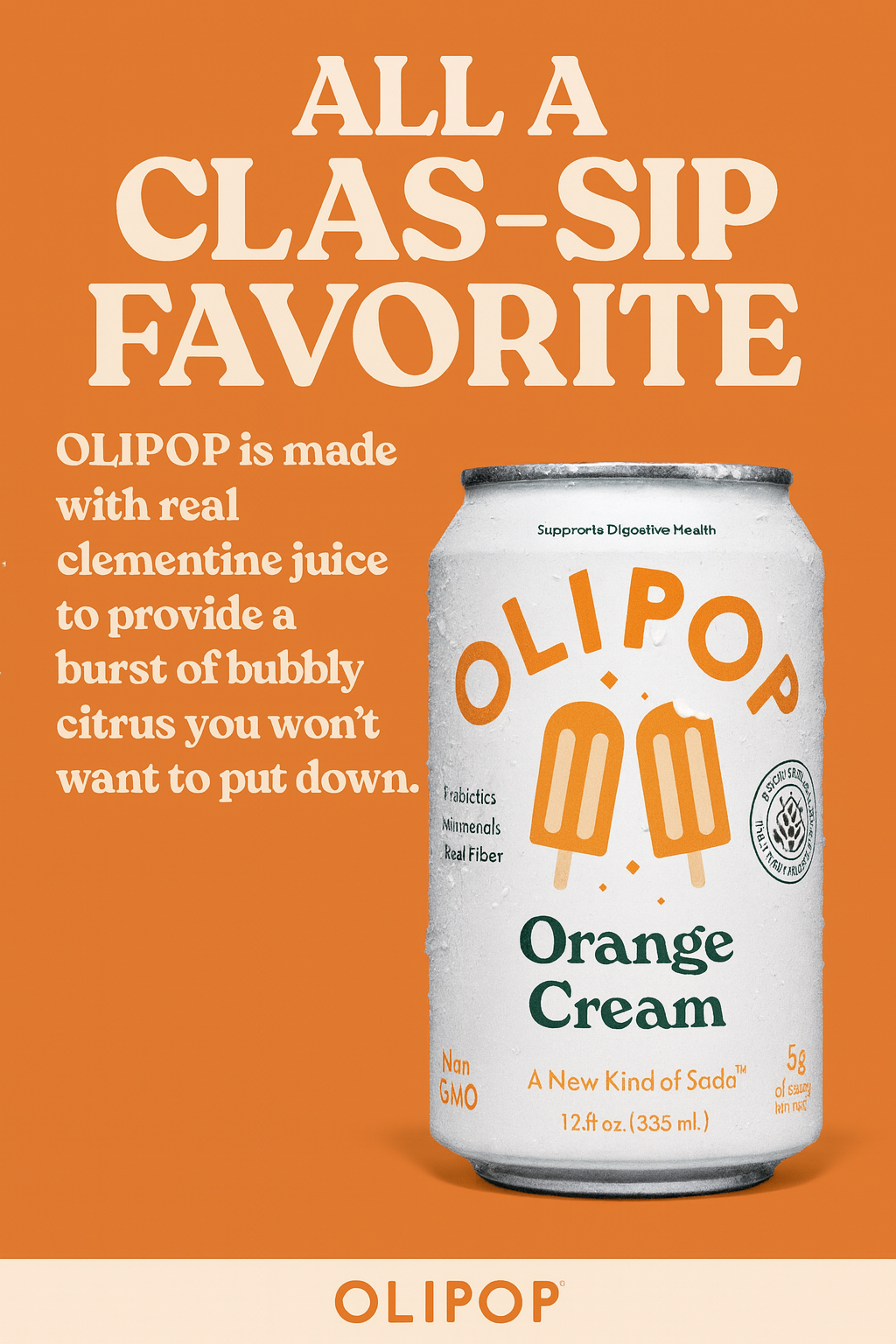
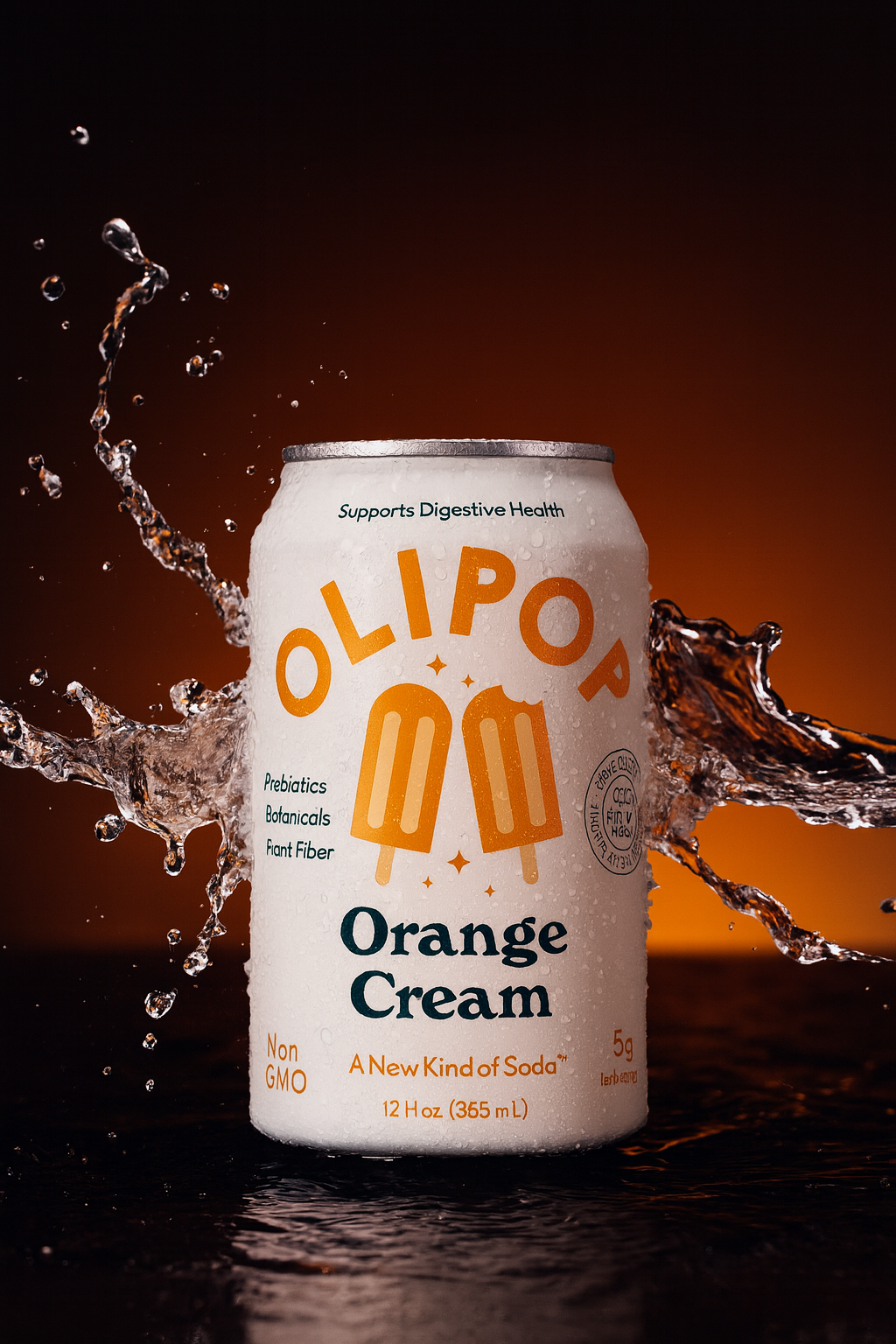
Left to Right: Production quality Image -> My first Lazy Prompt -> Using structured prompt
I tried to understand how world-class prompters create such production-quality images. Here's the structure.
Every good prompt consists of 3 parts:
- Base Reference
- Idea Detailing
- Camera Detailing
Base Reference:
If you already have an image, character or reference, then half of the problem is already solved. The attached image anchors the model to the attachment.
Idea Detailing:
Answer the following questions in your prompt.
- What is the image type?
- ex: ad, poster, portrait, headshot, photo-realistic image
- Who is the subject?
- ex: ferrari car, freckled teen, robotic dancer, redbull can, 3D version of Charmander
- What does the subject do?
- ex: leaping across a sand dune, peaking through a frosted glass window
- What is the environment?
- ex: class room, abandoned soviet factory, refreshing water flowing from left to right
Camera Detailing:
- What is the backdrop?
- ex: gradient shift from orange to red, blurred
- What is the lighting contrast?
- ex: sharp studio lighting with crisp reflections, focused spotlight from above
- What is the tone?
- ex: Cinematic, sinister shadows, modern
[I] [Subject Description] [Action] in [Environment ], under [Lighting Conditions], with [backdrop] and [tone].
My structured prompt:
Create a ad for olipop can(attached). The can is centered wit Show water splashing around the can, right to left. Use studio lighting highlight the can but with visible text. Add a black to orange gradient backdrop. Overall look should be refreshing and clean.
Go, Try it on chatgpt and let me know!